Key Takeaways
- Fantom has rebranded to Sonic (S) and implemented a major technical upgrade to address blockchain storage growth.
- Holders can swap their existing FTM tokens for the new S token at a 1:1 ratio.
- While the main migration was done in May 2025, the official swap portal remains open for users who still hold FTM.
Crypto networks change quickly. What looked innovative in 2020 can struggle to cope with current demand for low fees and high transaction capacity.
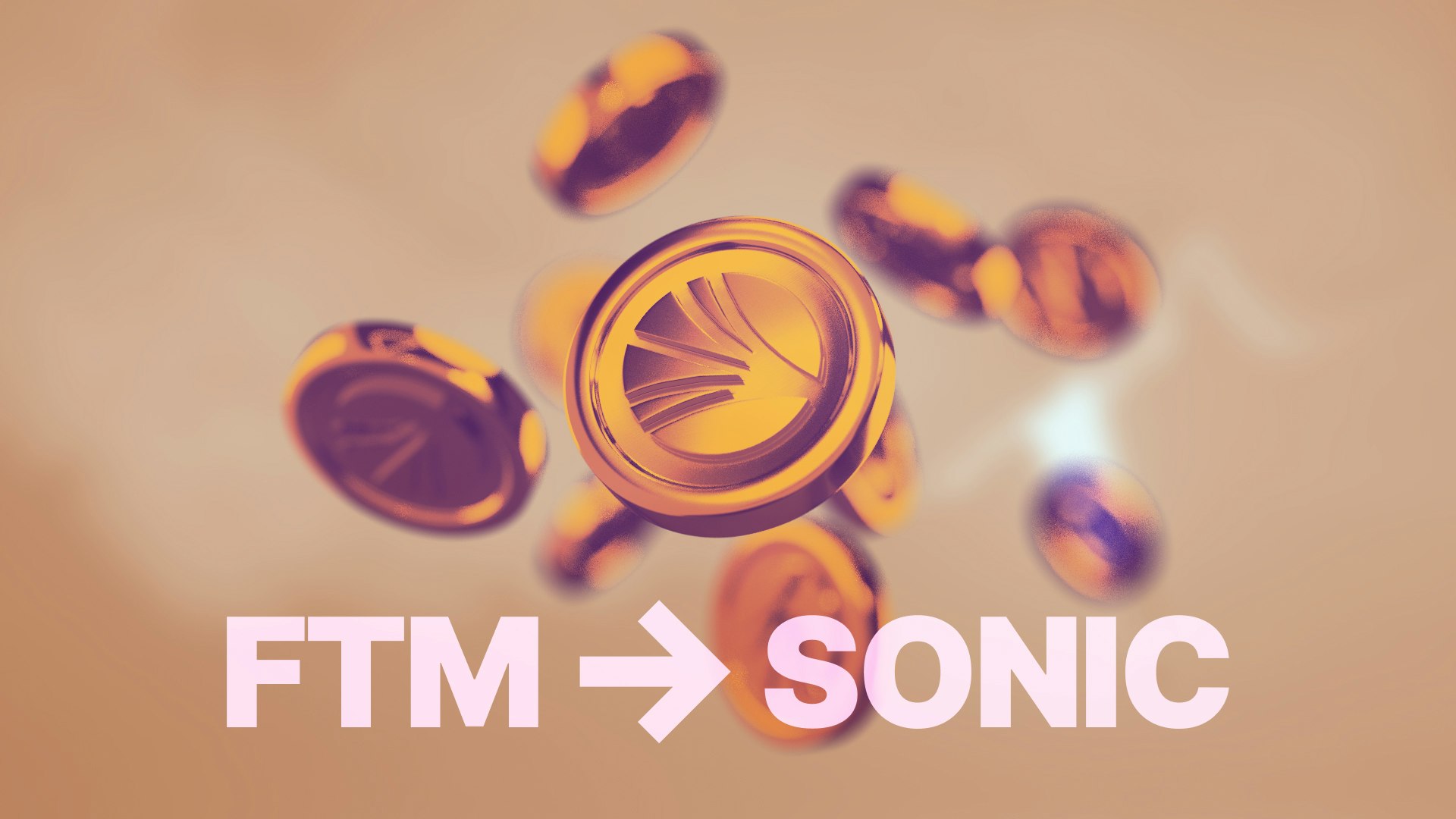
Fantom (FTM), which was once marketed as a fast alternative to Ethereum, has now moved to its new phase: Sonic (S). This is not just a fresh brand or a different ticker. Sonic is a significant technical upgrade to the existing network.
One of its key aims is to deal with “state bloat”, which is the build-up of data on a blockchain over time. For FTM holders, this also means a token migration. If you still hold FTM, whether on an exchange or in your own wallet, it is important to understand how and when to swap to S.
Why did Fantom become Sonic?
To understand the migration, it helps to look at the problem Sonic is trying to solve.
Blockchains record every transaction in their history. This data has to be stored, synced and checked by the computers that keep the network running. As the years pass, this data grows very large.
For many networks, this makes running a validator node expensive. You may need high-end hardware and a lot of storage. When only a small number of people or companies can afford to run validators, the network can become more centralised and potentially more fragile.
The solution: validator pruning
Sonic addresses this storage issue with a process called validator pruning.
In simple terms, pruning lets a node remove older data that is no longer needed to check new transactions. Instead of storing every transaction back to day one, a Sonic validator mainly keeps:
- the current “world state” (who owns what right now), and
- a relatively small set of recent blocks.
Pruning happens continuously while the node is online. The goal is to keep nodes lighter and cheaper to run, while still validating the chain correctly.
Sonic’s developers report that this design helps the network process a high number of transactions per second, although actual performance will depend on network conditions and usage.
The migration: token swap details
The change from FTM to S is a protocol-level token swap. The underlying network has upgraded and the old asset is being replaced.
- Swap ratio: 1:1. For every 1 FTM you swap, you receive 1 S.
- New ticker: S is the updated token symbol.
- Timeline: The migration began in late 2024. The bridge that allowed two-way transfers between FTM and S stopped operating on 18 March 2025. Since that date, the migration is one-way only. You can convert FTM to S, but you cannot convert S back to FTM.
- Current status: As of February 2026, the official Sonic swap portal remains available for FTM holders who have not yet migrated.
If you hold FTM and want to continue using the upgraded Sonic network, you will generally need to migrate to S. Not migrating may limit your ability to use new applications on the Sonic chain. It may also affect future support for FTM on exchanges and wallets.
This article is for information only and does not recommend that you buy, sell, hold or swap any specific crypto-asset.
How to convert FTM to Sonic
Your migration path depends mainly on where your FTM is currently stored.
1. If your FTM is on a centralised exchange
If your FTM was on a major centralised exchange (CEX) during the migration window, the platform may have handled the swap for you.
In most cases, exchanges did the following:
- temporarily paused FTM deposits and withdrawals,
- took a snapshot of user FTM balances, then
- credited users with the same balance of S after the upgrade.
You can usually check your transaction history and current balances in your exchange account to see whether:
- your FTM has already been converted to S, or
- you still hold FTM and need to act.
If FTM is still visible in your exchange account and the platform does not support direct swapping to S, you may need to:
- withdraw the FTM to a self-custody wallet that supports the Fantom / Sonic networks, then
- use the official Sonic migration portal to swap to S.
Make sure you confirm any withdrawal network and fees with your exchange before you proceed. Some platforms may have removed support for FTM withdrawals on older networks.
2. If your FTM is in a hot wallet (self-custody)
If you hold FTM in a self-custody wallet such as MetaMask, Rabby, Trust Wallet or similar, you will need to complete the swap yourself.
The general process is:
Step 1: Locate the official portal
Go to the official Sonic Labs migration portal in your browser.
To reduce the risk of scams:
- Use links from Sonic’s official website or documentation.
- Cross-check URLs shared on Sonic’s verified social media accounts.
- Avoid clicking on paid ads in search results that may lead to fake sites.
Step 2: Connect your wallet
Select the “Connect” option on the portal and choose your wallet provider.
In your wallet:
- Make sure you are connected to the Fantom Opera network (or the network specified in the official instructions).
- Confirm that you can see your FTM balance.
Step 3: Approve the migration contract
When you start the migration, your wallet will ask you to approve a transaction that allows the migration smart contract to access your FTM.
Before signing:
- Check that the site URL is correct.
- Read the permission text and confirm it relates to FTM.
- Reject the transaction if it asks for access to unrelated assets.
Step 4: Swap your tokens
Once approved:
- Enter the amount of FTM you want to convert.
- Confirm the details and click the upgrade or swap button.
- Your wallet will then ask you to sign a second transaction to complete the swap.
You will need a small amount of FTM to pay the network gas fee. After the transaction is confirmed, your FTM balance should decrease and your S balance should appear, either on Sonic or on the relevant upgraded network.
Step 5: Add the Sonic network and token in your wallet
In some wallets, the Sonic network and the S token may not show automatically.
You might need to:
- add the Sonic network RPC details to your wallet settings, and
- add the S token contract address so the balance appears.
Always take these details from Sonic’s official documentation to avoid fake contracts.
How the upgrade works: the execution client
Behind the scenes, the Sonic upgrade changes how transactions are processed.
On the earlier Fantom setup, the execution client (the part of the software that runs smart contracts and updates balances) could struggle during busy periods. When many users tried to trade or interact with apps at the same time, this could increase waiting times and, in some cases, lead to failed transactions.
Sonic introduces a redesigned execution environment that focuses on processing multiple transactions in parallel. The aim is to:
- speed up confirmation times during high activity, and
- smooth out the user experience for decentralised exchanges (DEXs), lending protocols and other applications.
By moving from FTM to S, your tokens become native to this upgraded environment. The goal is to separate storage-heavy tasks from active transaction processing, so the network can scale without constantly increasing hardware requirements.
Performance and reliability will still depend on how many people use the network and how the software develops over time. There is no guarantee of specific transaction speeds or costs.
Risks and red flags
Token migrations are common targets for fraud. Scammers know users are expecting links and instructions, so they try to imitate official channels.
Some key risks to watch for:
-
Fake migration portals:
Fraudulent websites often copy the exact layout of the real portal. They are sometimes promoted via sponsored search ads or fake social accounts. If you connect your wallet and sign transactions on these sites, your funds can be stolen. -
Unsolicited support messages:
Genuine Sonic or exchange support teams will not contact you directly first on X (Twitter), Telegram, Discord or similar platforms. Anyone reaching out to you in private messages to “help with your migration” should be treated as suspicious. -
Malicious approval requests:
Before you sign any transaction, check what the site is asking to access. If a site wants unlimited spending permission for your stablecoins, ETH, BTC, or any other unrelated assets, cancel the request. Only grant the minimum permission necessary for the migration. -
Phishing emails and DMs:
Be careful with links sent by email or direct message that claim to be urgent migration notices, especially if they warn that you will “lose funds” if you do not act immediately. This type of language is often used in scams.
If you are unsure whether a portal or message is genuine, close the page and navigate directly to Sonic’s official website using a trusted bookmark, then follow links from there.
The future of Sonic
The move to Sonic is both a technical upgrade and a brand change for the former Fantom network.
By addressing state bloat and trying to lower the cost of running a validator, Sonic aims to support a wider base of validators and a larger number of on-chain applications, including decentralised finance (DeFi). Whether it succeeds will depend on future development, security, user adoption and market conditions.
For individual users, the key practical question is simple: do you still hold FTM, and if so, do you want to migrate to S so you can use the upgraded Sonic network?
If you decide to migrate:
- take your time,
- use only official links, and
- double-check every transaction before you sign.

CoinJar
CoinJar is one of the longest-running cryptocurrency exchanges in the world. Since 2013, we’ve helped hundreds of thousands of people worldwide to buy, sell and spend billions of dollars in Bitcoin, Ethereum and dozens of other cryptocurrencies.
Read full bio